
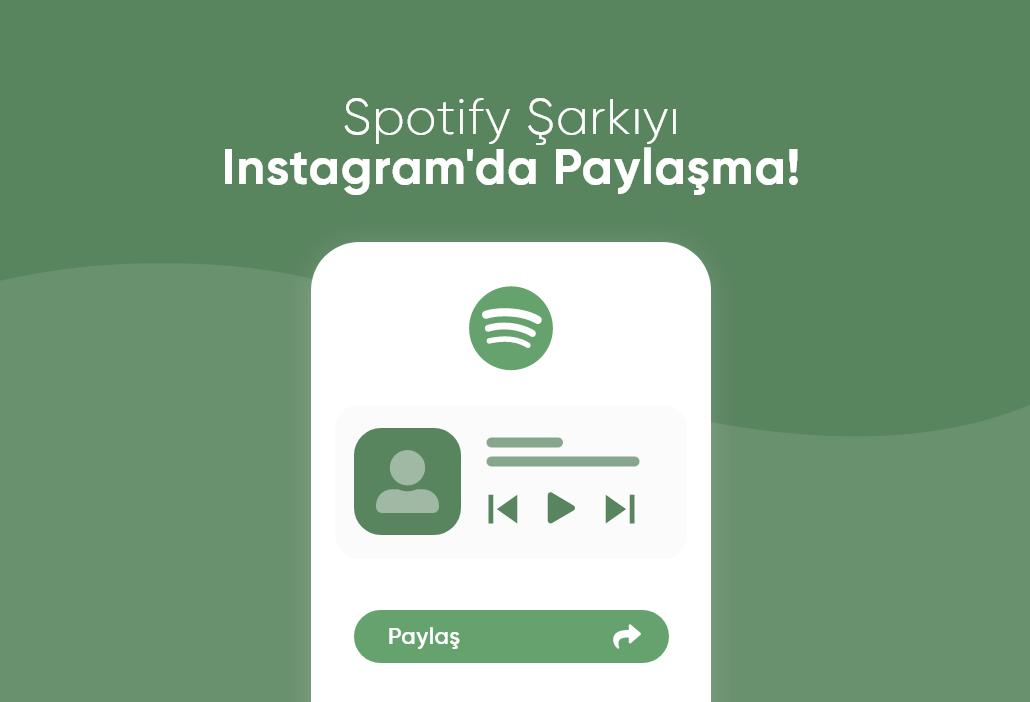
When you listen to a song and think that everyone should hear it the Spotify and Instagram integration makes your life easier. With only a few taps you can share the track you are playing directly to Instagram Stories and show your music taste to your followers. So how can you share a Spotify song on Instagram Stories Here is a clear step by step guide.
1. Open the Spotify App
On your phone open the Spotify app and start playing the song you want to share.
2. Tap the Share Option
On the song screen tap the three dot menu in the upper right corner and choose the Share option from the menu.
3. Select Instagram Stories
In the share menu select Instagram Stories. Spotify will automatically open the Instagram app and create a special story layout with the song cover.
Note: If you do not see this option make sure that both Spotify and Instagram apps are installed and updated on your phone.
4. Edit Your Story
Instagram will show a story template that contains the song cover and background. On this screen you can customize your story with stickers text or GIFs to match your style.
5. Tap the Share Button
When you are ready share it with Your Story or Close Friends and complete the process. Your followers can tap the story and go directly to the song on Spotify.
Extra Information
The song audio does not play inside the story only the cover and a link appear. Spotify story sharing is available only on mobile apps. You can also share albums playlists or podcast episodes using the same method.
Why Should You Share Songs
Show your music taste express your mood share new songs you discover and build a closer and more personal connection with your followers.
Conclusion: Music Becomes Better When Shared
Sharing Spotify songs on Instagram is both simple and effective. With only a few taps you can reflect your mood moment and style to your audience.
sosyobase.com shares the most up to date guides to help you stay more active creative and visible in the social media world. Stay tuned for more tips about Instagram TikTok Discord and many other platforms.