
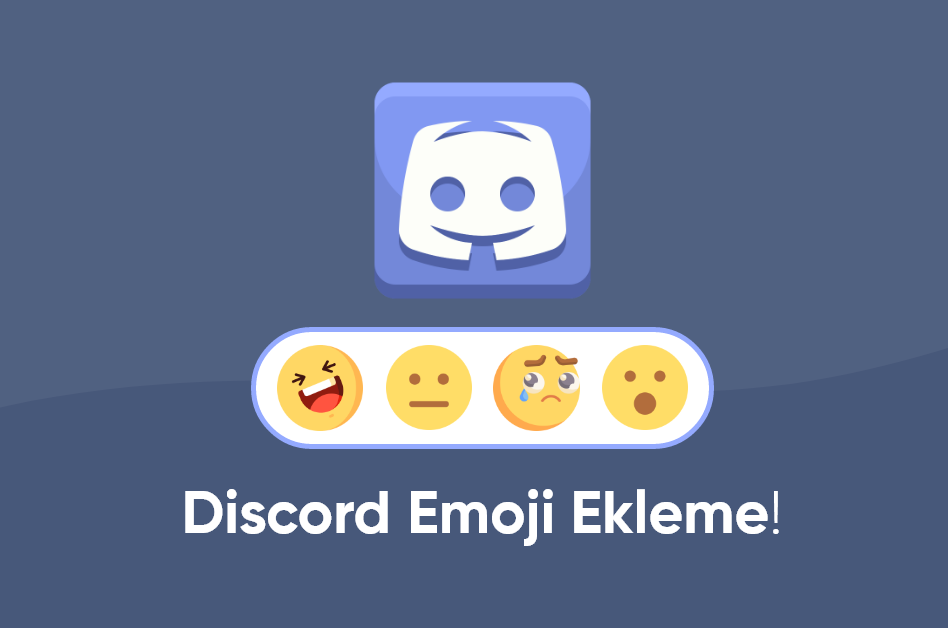
Add Emojis to Your Discord Content
Discord is not only a voice and text communication tool. It is also a great way to interact with communities express yourself and create fun content. One of the easiest ways to make this experience more colorful is to use emojis. So how can you add emojis to your Discord content Here is a clear step by step guide.
1. Where Can You Use Emojis on Discord
You can use emojis in messages server names channel topics role names and even inside bot commands. In short you can place emojis almost anywhere inside Discord to make things more lively.
2. Using Standard Emojis
Discord supports all standard Unicode emojis that work on modern devices. On mobile you can open the emoji keyboard of your phone. On Windows you can press Windows + . to open the emoji panel and insert any emoji you want.
Example: Hello everyone with a smiley emoji at the end.
3. Custom Server Emojis
You can create your own style with custom server emojis. These special emojis can be used only on the server where they are uploaded unless you have Nitro.
How To Add Custom Emojis
- Open Server Settings.
- Click the Emoji tab.
- Use the Upload Emoji button to add your PNG JPEG or GIF file.
- Give the emoji a short name for example
:smilecustom:.
Usage example: type :smilecustom: and your custom emoji appears in chat.
4. Emoji Freedom With Discord Nitro
If you have Discord Nitro you can use custom emojis from any server in all the other servers and in direct messages. This gives you much more freedom and creativity when you chat.
5. Adding Emoji Reactions to Messages
If you want to react to a message quickly with an emoji you can use reactions.
- Hover over the message and click the emoji reaction icon.
- Select the emoji you want or search for it.
This feature is perfect for polls quick feedback or simply to say that you saw and liked a message.
6. Building a Role System With Emojis
If you want automatic role distribution in your server you can set up a reaction role system. For this you usually need a bot such as Carl bot or Dyno. Members click on specific emojis under a message to receive certain roles.
Conclusion More Color More Fun
Discord lets you push the limits of creativity and emojis are at the very center of that experience. They increase your power of expression and make interactions inside the community much stronger.
You can use emojis to color your messages and turn your server into a more fun place for everyone.
sosyobase.com is here to help you look stronger on Discord and on all the other social media platforms. Stay tuned for more guides and tips very soon.